Whenever there's an event that needs helpers — a Bunnings BBQ, a working bee, a camp — we post it on the Volunteer page. You pick the shift that suits you, pop in your name, and you're done. No account or password needed.
Open the Volunteer page
Go to the group website and tap Volunteer in the top menu. You'll see every event that currently needs helpers, with the shifts still available.
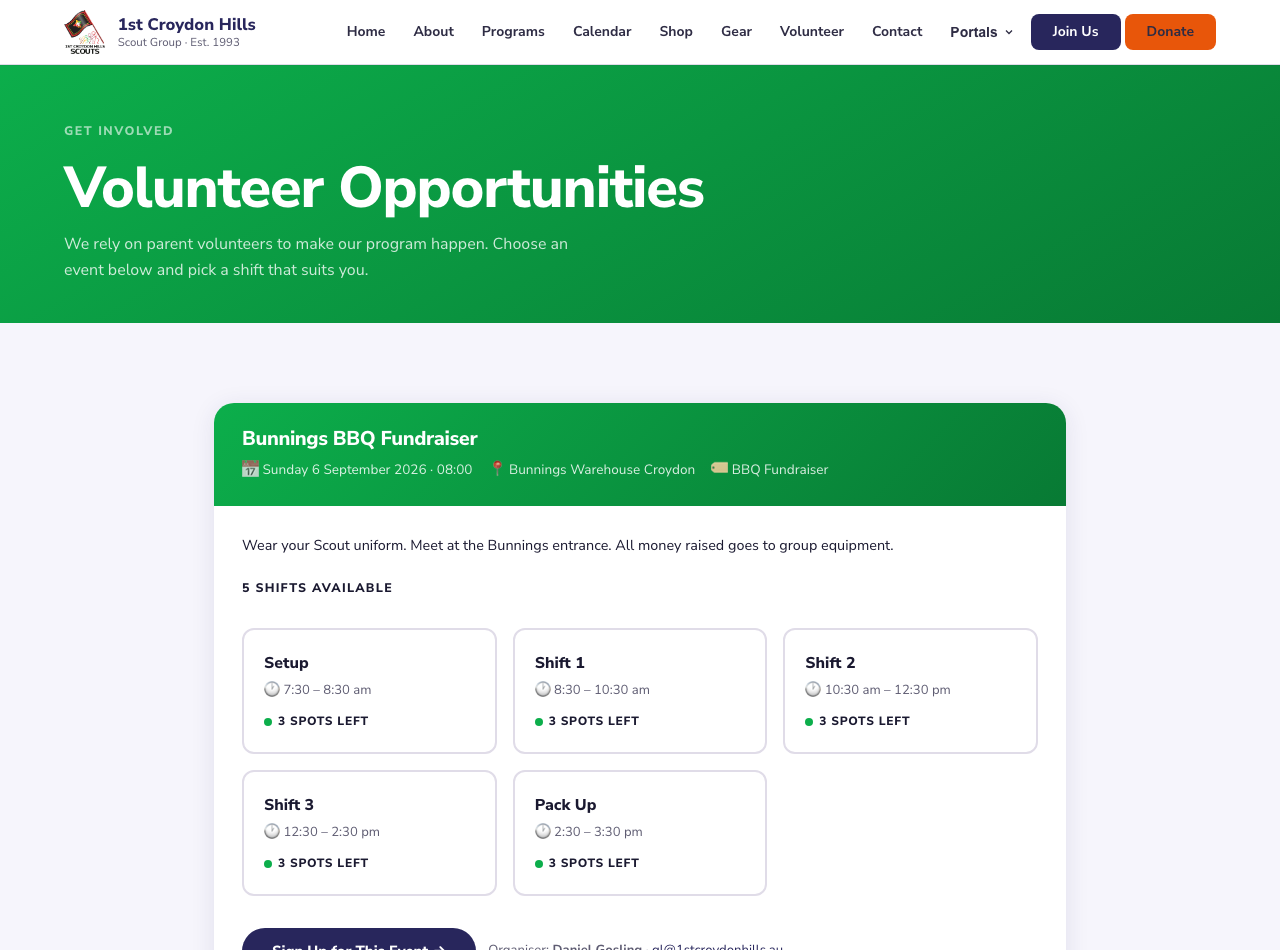
The Volunteer page lists each event with its date, location and available shifts.
Pick your shift(s)
Each card is one shift, showing the time and how many spots are left. Tap a shift to select it — the card turns green with a tick. You can choose more than one shift if you'd like to help across the day.
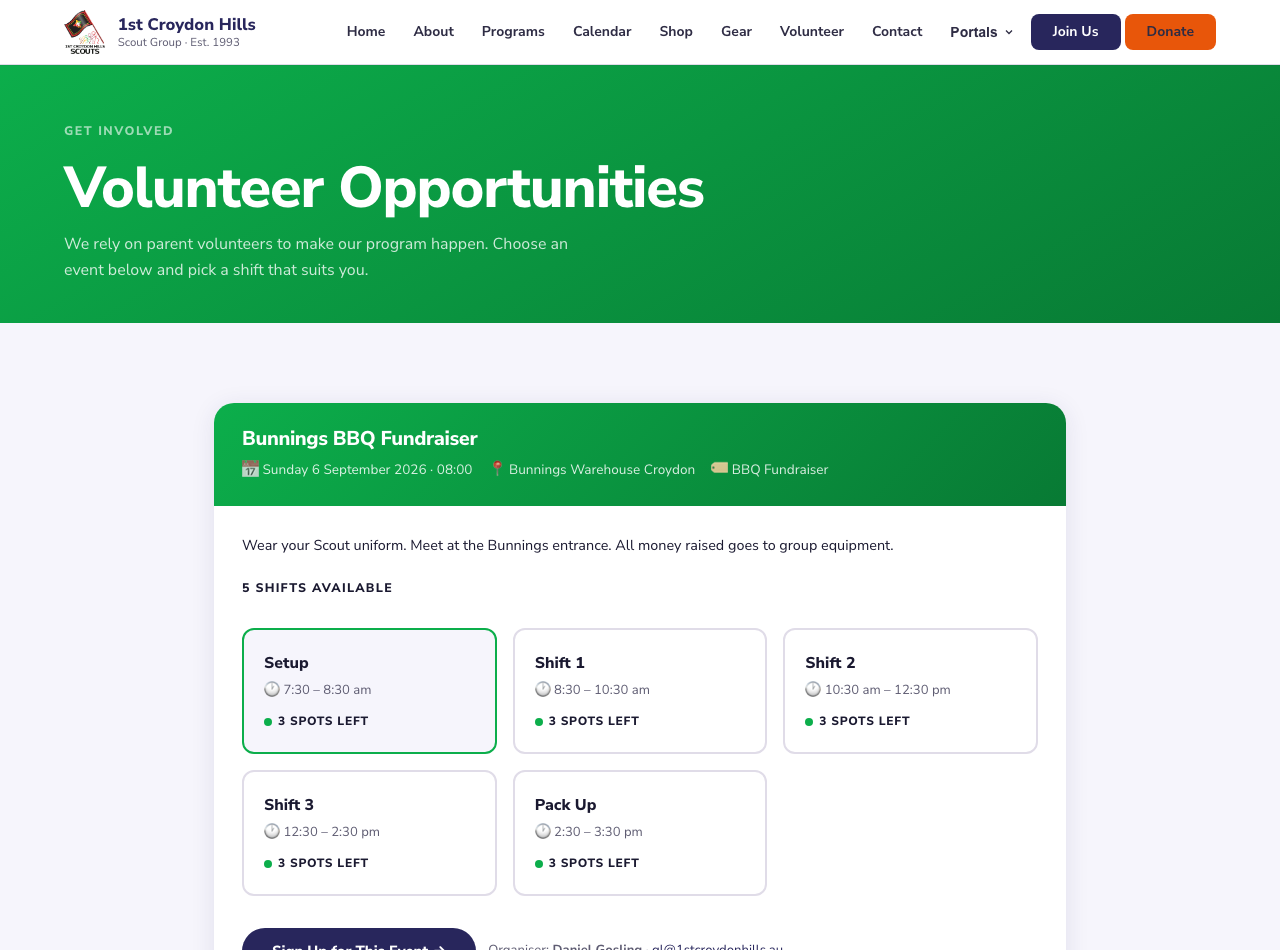
The "Setup" shift selected — tap again to unselect, or add more shifts.
Add your details and confirm
Tap Sign Up for This Event, then enter your name and email, and how many people you're bringing. Add a note if there's anything the organiser should know. Tap Confirm Sign-Up and that's it — you're on the roster.
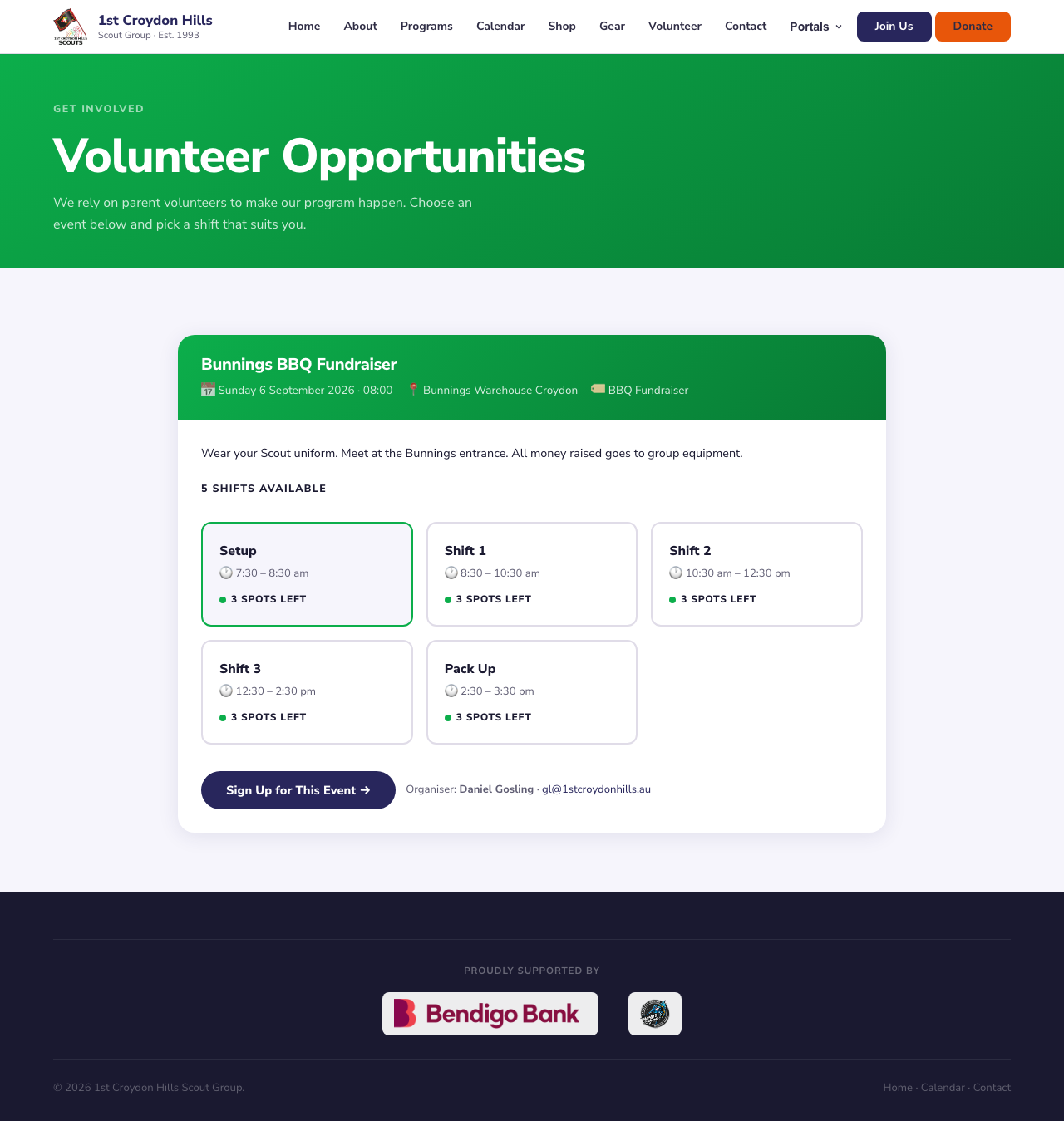
Once a shift is selected, the "Sign Up for This Event" button appears.
Check your sign-ups any time
Want to see what you've signed up for? Open the Family Portal (under Portals in the menu), enter the same email you used, and you'll see all your family's upcoming and past shifts in one place.